Assistive Technology

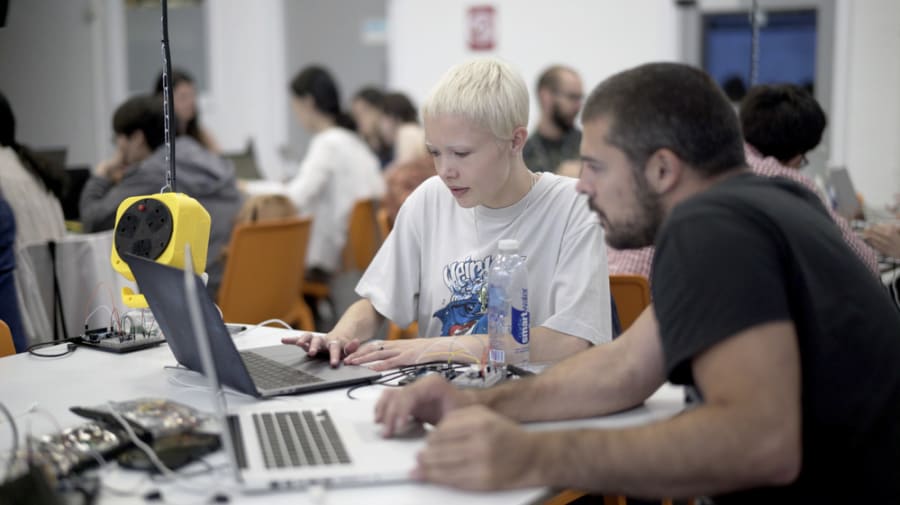
| Photograph: Guillaume Querard
Further study support is available from Student Services.
-
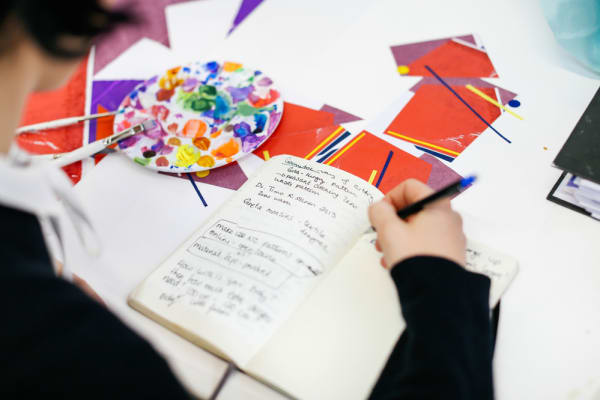
Image credit: Alys Tomlinson
, Chelsea College of Arts, UAL |Note taking, writing and referencing
Improve your written work and get support with referencing.
-

Image credit: Alys Tomlinson
Reading and researching
Discover reading and research tools to help your studies.
-

Image credit: Alys Tomlinson
Dictation
Use specialist programmes to help you think while typing.
-

Image credit: Alys Tomlinson
Planning and organising
Learn how to plan and manage your work effectively.
-

Image courtesy of UAL
Converting documents
Find out about text-to-speech software and how to convert files into accessible formats.
-

Alys Tomlinson, Image credit: Alys Tomlinson
| Photograph: Alys TomlinsonTraining and resources
Access helpful videos and resources for the latest assistive technology.