Intellectual property and crediting
Last updated:
20 October 2026
Trade marks
At UAL, we have a portfolio of licenced trade marks, including:
- Word marks i.e. the word itself with no graphic design.
- Figurative marks/logos, which protect the words in the scope of a graphic. See our logo guidelines for further advice.
Creating custom or modified versions of our logos
Do not create custom and/or modified versions of our logo for a specific team, department and/or event at UAL.
Using our name or logos for an international event
Our trade marks are only registered in certain territories; you can check where through WIPO’s Global Brand Database.
If the trade mark you would like to use isn’t registered in the country where the event is taking place, using our logo or name for the event would expose UAL to risk because:
- Our trade marks may not be protected.
- You could potentially infringe on another brand’s trade mark(s) that are registered in that territory.
If you would like to use a UAL name or logo in a country in which the name/logo isn’t registered, contact the Brand team at brand@arts.ac.uk.
Potential infringements
Occasionally third parties use our trade marks and/or a logo which is very similar to our trade marks without our permission. This is likely to be trade mark infringement, which is illegal, can be detrimental to our brand and reputation and costly to the University.
If you see someone using our brand and claiming that they are endorsed by UAL or that they are in partnership/connected to UAL in some way and this appears to be without our permission, contact us at brand@arts.ac.uk and we can raise this with the UAL Legal Services team if appropriate.
Copyright
Using student work
Generally, students own the intellectual property (“IP”) rights in any work they make whilst they are students of UAL, and grant UAL certain rights to use that IP under the UAL IP Policy.
As a UAL staff member, you can:
- Use images of work produced by a UAL student as part of their studies at the University, even if that student has since graduated, for educational, research, teaching and/or promotional purposes.
- However, if current students or alumni request that their work is withdrawn from use, staff should comply with that request as a matter of good practice.
If a third party wishes to use images of student work for press or promotional purposes, please speak to the UAL Legal Services team.
Commissioning creative work
When commissioning creative work, the commissioner (and not the creator) of the work will own the IP rights in that work.
If you need to commission some creative work, the best option is to use a supplier from the Creative Services Roster (UAL staff login required) or UAL Arts Temps. This is because:
- Agencies on the Creative Services Roster have already agreed in their contract with UAL that the copyright of any commissioned work is owned by UAL.
- Under the standard UAL Arts Temps Terms and Conditions, Arts Temps agree that all work created by them in the course of their work is owned by UAL.
Crediting
Crediting another person’s content does not mean that permission to use the content is not required. Check what permissions you have to use the content and ensure that your use is in line with those permissions. In the absence of any specific crediting requirements, for example under a Creative Commons licence, follow the guidelines below.
Crediting student work
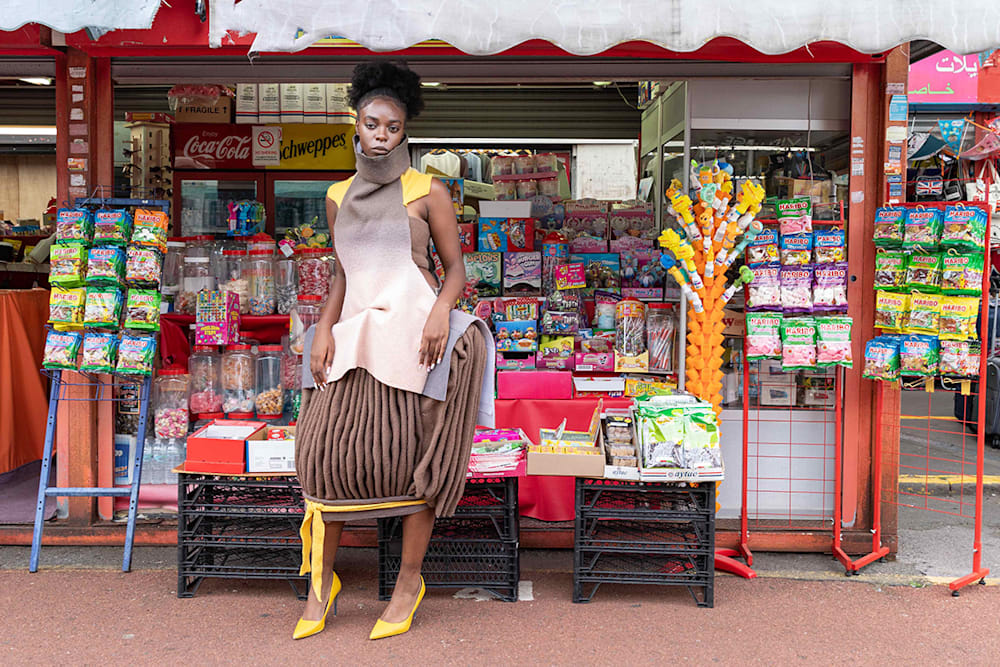
When using student work, use this credit structure:
- (‘Work title’ [optional]), (Student/artist’s name), (year and course), (College/Institute), UAL
When using a photograph of student work, use this credit structure:
- (‘Work title’ [optional]), (Student/artist’s name), (year and course), (College/Institute), UAL | Photograph: (name)
When there are multiple people involved in a project (e.g. directors, art directors, choreographers, stylists, performers) use this credit structure:
- (‘Work title’ [optional]), (Student/artist’s name), (year and course), (College/Institute), UAL | Photograph: (name); Art Direction: (name); Lighting: (name); Styling: (name); etc.
When student work is included in a campaign, use this credit structure:
- (‘Work title’ [optional]), (student name), (year and course), (College/Institute), UAL | Design: (department or studio name)
Crediting photography
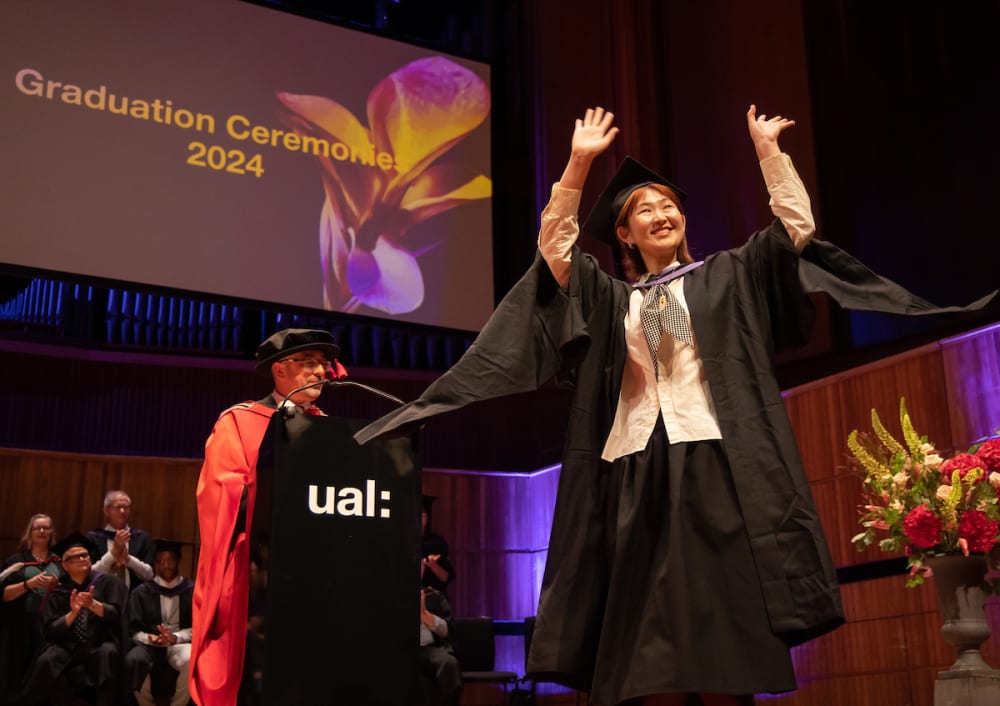
When using photography of an event/activity, use this credit structure:
- (Name of activity), (year) at (Location of event/activity), College/Institute [if applicable]), (year), UAL | Photograph: (name)
When a photograph is of an activity, but not attributed to an individual photographer, use this credit structure:
- (Name of event), at (Location of event), (year), UAL
Headshots
When a photograph is a headshot, include information about the person’s job. Use this credit structure:
- (Name of Person), (Job title), (College or team), UAL (or name of organisation) | Photograph: (name)
Crediting design and illustration
For graphic design or illustration created by a UAL team/department, use this credit structure:
- (Work title) | Design: (team/department), (UAL/College)
For graphic design or illustration created by an external agency or freelancer, use this credit structure:
- (Work title) | Design: (agency/freelancer name)
Crediting video
For videos created by a UAL team or department, use this credit structure:
- (‘Video or campaign title’), (College/Institute [if applicable]), UAL | Production: (team/department), (UAL/College)
For videos created by an external agency or freelancer, use this credit structure:
- (‘Video or campaign title’), (College/Institute [if applicable]), UAL | Production: (agency/freelancer name)