Short course
Figma and Jitter Animation Online Short Course
Course description
Course overview
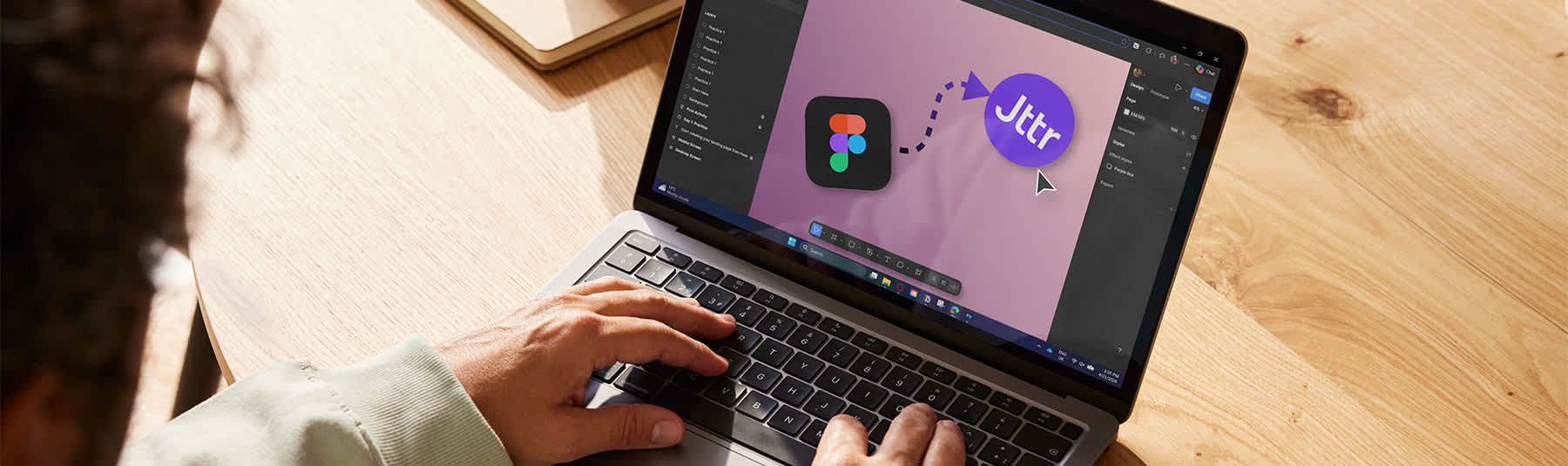
This online short course offers an inspiring introduction to Figma for interface design and prototyping, with an integrated workflow for creating simple, professional motion using Jitter.
Through a combination of demonstrations, guided exercises and structured weekly tasks, you will learn the fundamentals of building clean layouts, working with type and colour styles, using grids and spacing, and creating responsive structures with Auto Layout. From there, you will develop reusable components and organise files for collaboration. You will also learn how to present ideas through interactive prototypes, including transitions and key user flows.
In the second half of the course, you will translate selected screen and UI elements into motion using Jitter – creating animated hero screens, micro-interactions and short loops that help you communicate behaviour and brand feel.
The course will include time for feedback and troubleshooting, and students will be expected to complete 2-4 hours of independent practice between sessions. By the end of the course, you will have a small UI mini project and a set of animated assets that you can use in a portfolio, case study or pitch deck.
Who this course is for
This course is for beginners and early-stage designers, creatives, and communicators (beginners) who want to learn the essentials of UI design, prototyping and presentation-ready motion.
It would be an excellent fit for graphic designers moving into digital, aspiring UX/UI designers, founders/marketers who need to prototype and creatives producing product/brand content.
Students should have basic computer skills, but no prior UI or motion experience is required.
Key information
Topics covered
- Figma fundamentals: frames, grids, layout, type, colour styles
- Auto Layout for responsive UI structures and spacing systems
- Components and variants for scalable design
- Prototyping: user flows, interactions and presentation
- Jitter workflow: turning screens/elements into simple motion loops and transitions
Learning outcomes
- Build well-structured Figma files using frames, grids and consistent spacing
- Apply foundational UI design principles to layout, type hierarchy and visual consistency
- Use Auto Layout to create flexible, responsive UI structures
- Create and manage components (and variants where appropriate) for scalable design
- Produce a clickable prototype demonstrating a core user flow
- Move selected designs into Jitter to create short motion studies (loops and transitions)
- Export designs and motion outputs suitable for presentations, social media and portfolios
- Receive a digital badge and certificate of attendance
Materials
Essential materials:
- A Figma account (free tier is fine)
- Access to Jitter (free tier is fine too – if you’re a current student you can upgrade to an educational account with access to premium features for free)
- Laptop/desktop is recommended as tablet use is not ideal for these workflows
Recommend materials:
- Notebook and pen
- Folder of brand references/inspiration (screenshots, colour palettes, type inspirations)
- (Optional) second monitor for following demonstrations while designing
Please see our Guide to taking online short courses.
Tutor
Weronika Kubak
Weronika Kubak is a London-based multidisciplinary designer specialising in motion, graphic design and brand-led digital experiences. Her work spans 3D modelling and visualisation, web design and visual identity, creating engaging outcomes that balance strong aesthetics with strategic intent.
With a background in interior and interaction design, Weronika combines spatial awareness with a clear understanding of user experience and communication. Her broader interests in psychology, theatre and visual storytelling inform her approach, adding depth and narrative to both her motion and digital work. You can see some of her work here: www.wukudesign.com
Book a course
Loading